The first step in putting together the Plus system is deciding how many channels should there be on your receiver.
Step 1 Select Channel Count
Step 2 Add Dante Networking (optional)
Step 1
Select Channel Count
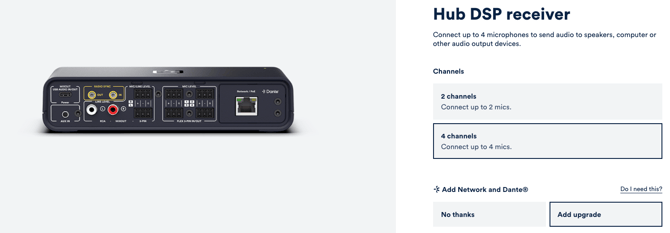
This is where you set the maximum number of Catchbox mics you can add to your system. You can mix and match any combination of microphone types, but you cannot exceed the channel count you select here.
-
2-Channel Hub: a maximum of 2 Catchbox microphones.
-
4-Channel Hub: a maximum of 4 Catchbox microphones.
💡If you want the option to expand your setup later, you can choose a 4-channel Hub but only add one or two mics right now and add the rest later. You are only restricted from adding more mics than the Hub has channels for, not less.
Step 2
Add Dante Networking (optional)
Dante is an industry-standard networking technology that allows you to send audio over an Ethernet network.
💡Adding this module is optional. If your setup already uses a Dante based audio infrastructure, adding this module makes integration seamless.
If not, the standard Hub connectivity has you covered.